
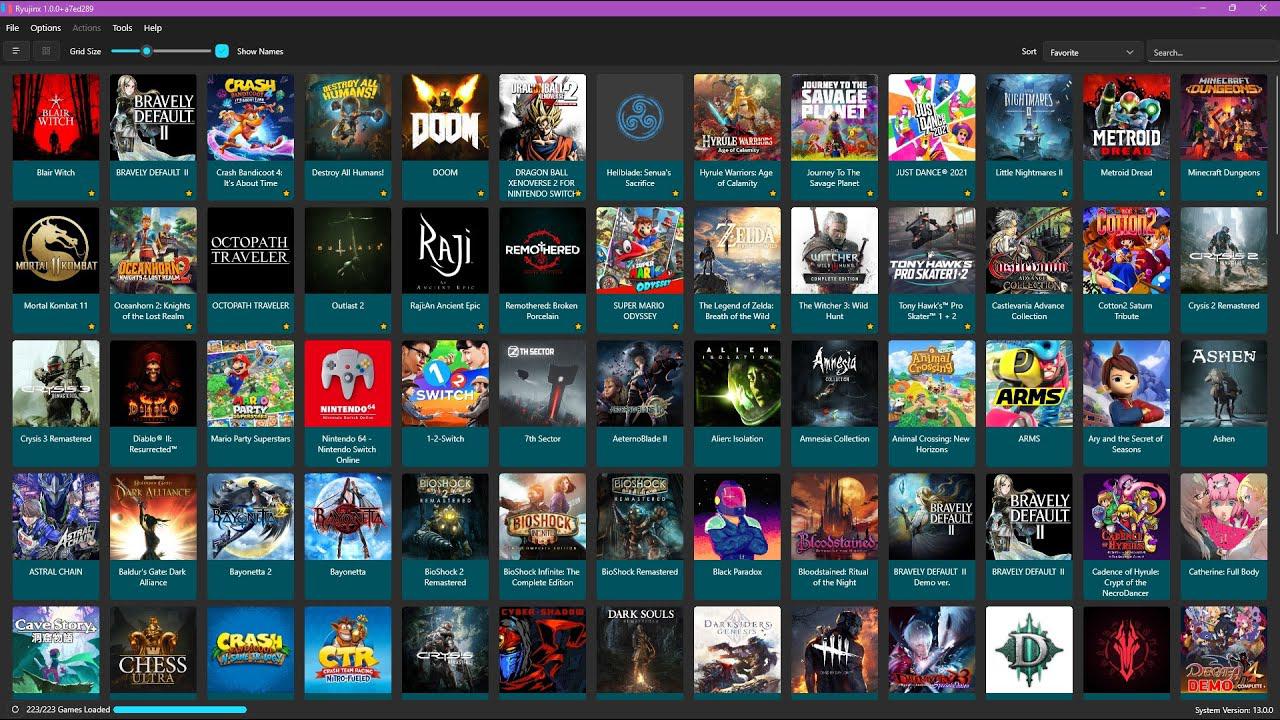
The Nintendo Switch, originally designed as a portable device, was one of the consoles to receive emulators the fastest in the history of games. Shortly after its launch, the product already had solutions that could bring its games to the PC, such as the Yuzu emulator.
The popular Nintendo Switch emulator, Yuzu, was closed this Monday (04), after Nintendo initiated proceedings against its developer, Tropic Haze. In agreement, the brand agreed to pay US$2.4 million to Nintendo and cease all forms of existence of the software.
The decision came after allegations from Nintendo that the emulator contributed to game piracy following the leak of “The Legend of Zelda: Tears of the Kingdom” before its official release. The creators of the emulator distributed a premium version of the software, in addition to making optimizations for Big N’s unreleased game at the time.
Is it worth using a Nintendo Switch emulator?
Choosing the right emulator requires considering PC specifications to ensure an optimized gaming experience.Fonte: Tom’s Guide
Yuzu was the first emulator to bring the Nintendo Switch experience to PCs, developed by the team behind Citra for Nintendo 3DS. The open source program was available for free for Windows, Linux, Steam Deck and Android with solid C++ emulation and up to 4K resolution.
But why use a Nintendo Switch emulator? While some users used the software for piracy, the program can also be used for game preservation and improvement purposes.
When running games directly from the console, users are limited to 720p and 30FPS. Fortunately, several Nintendo Switch emulators allow you to play games at 4K and 60FPS – if you have a powerful PC to run them efficiently. You can also download mods to improve the experience. Another tip is to use the Joy-Cons when emulating, as configuring the keyboard can be quite complicated.
Next, check out emulators other than Yuzu that are available on the market (at least for now) and can be used to bring Nintendo Switch games to the PC:
Ryujinx
Despite some bugs, the program strives to provide an experience close to the original console.Source: NewsInside/Riujinx
Robust and versatile, Ryujinx is a solid choice for anyone looking for an emulator that offers consistent performance and an intuitive user experience. Available for Windows, Linux and macOS, its wide selection of games has a vast library of more than 4,000 titles, around 80% of which are playable.
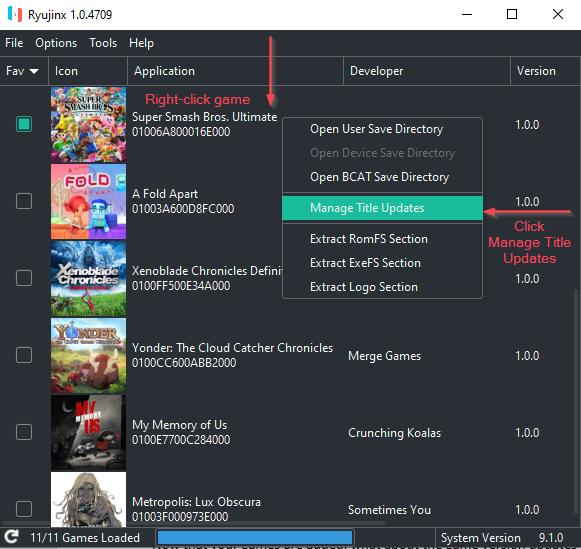 Ryujinx offers consistent performance and support for a vast library of games.Source: Ruijinx
The emulator offers the ability to run games in 4K at 60 FPS, despite industry suggestions that its performance is slightly lower than that of former competitor Yuzu. Furthermore, the emulator notifies you of new updates and has cross-platform compatibility.
NSEm
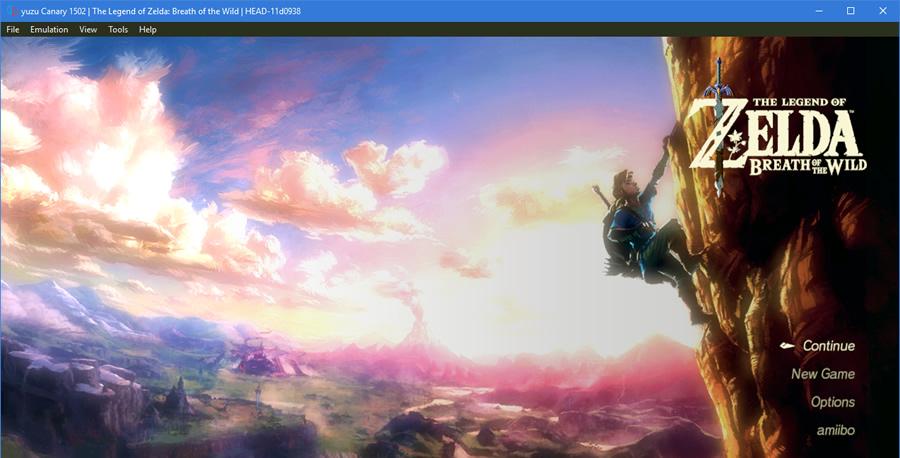 NSEmu offers a lag-free experience, but it is still under development, so expect a few bugs here and there.Source: NSEmu
Another alternative is NSEmu, an open source emulator that offers an impressive range of customization, making gameplay of advanced titles more accessible. Even in the development phase, its sound and visual capabilities are great. Although it is not at the same level of reliability as the Yuzu, the dedicated community that tests it and provides feedback may eventually bring it to that level.
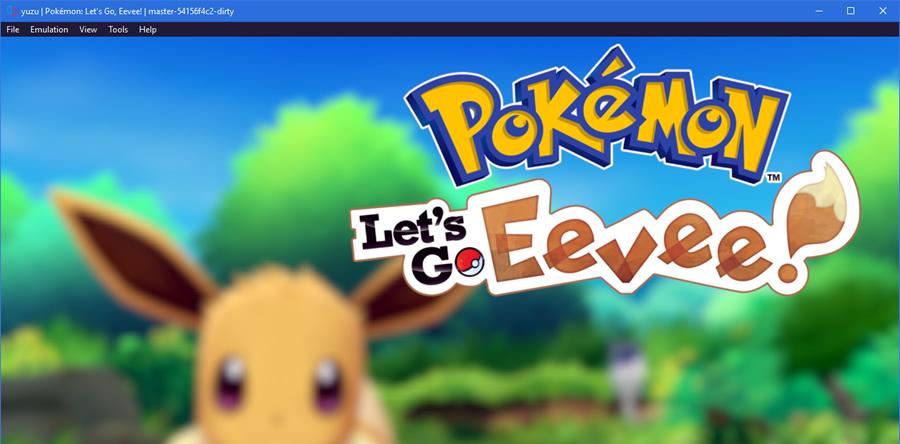 For enthusiasts, NSEmu offers an alternative with extensive customization.Source: NSEmu
Even though the images available so far are only of loading screens, this is a promising sign. After all, the charging process is often half the battle. With high expectations, we eagerly await the advancements of NSEmu in the coming years.
Alternative versions of Yuzu
While development of Yuzu has ended, the emulator’s source code has been saved by developers and fans, allowing alternative versions to be created. Shortly after the announcement of the end of the software, two editions created by project enthusiasts have already been announced.
As the DSOGaming, the emulators in question are called Nuzu and Suyu, and use the code base of the software that was banned by Nintendo. The tip, however, is to wait to use the platforms until they are more consolidated in the market.
Download old versions of Yuzu
Finally, for those who are big fans of Yuzu, the tip is to continue using the software. Although its development has been discontinued, the already available versions of the software continue to work.
With that in mind, if you have Yuzu installed, you don’t need to worry about the ban currently imposed by Nintendo. However, as the software will no longer receive updates, running new games on the emulator will become more difficult, as the team will no longer perform optimizations on the program.
It is important to note, however, that the official Yuzu download link has been taken down. In other words, the tip is to be careful when downloading the software and look for reliable sources to download the program.
Verdict: What is the best Nintendo Switch emulator for PC?
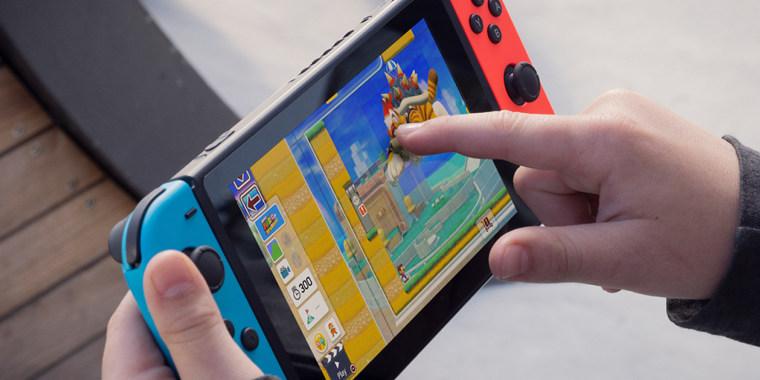 When in doubt between Yuzu and Ryujinx, it’s worth comparing the options that suit each type of player.Source: NBCNews
Even with the end of support for Yuzu, the software can still be used by players and remains a good option for emulation, at least for now. The program will no longer receive updates, so it will have to wait to run new games over time.
For those looking for a stable experience with updates, the most reliable option available on the market right now is Ryujinx, the second alternative among the most popular Switch emulators. The software delivers consistent performance and intuitive user experience for Windows, Linux and macOS.
PC specifications for the emulators
 Before starting the download, it is crucial to ensure that your PC meets the recommended specifications.Source: Nintendo
Regardless of the platform chosen, it is important to note that your PC must meet the recommended specifications to guarantee a cutting-edge experience with emulators. A robust system will guarantee an experience without lag or technical issues, while lower specifications may present problems.
See hardware recommendations for running Switch emulators:
Processor (CPU)
- Minimum: Intel Core i5-4430 / AMD Ryzen 3 1200
- Recommended: Intel Core i5-11400 / AMD Ryzen 5 3600
- Optimal: Intel Core i9-13900K / AMD Ryzen 7 7800X3D
Graphics Card (GPU) compatible with OpenGL 4.6 or Vulkan 1.1.
- Mínimo: NVIDIA GeForce GT 1050 4GB / AMD Radeon RX 550 4GB
- Recommended: NVIDIA GeForce GTX 1660 6GB / AMD Radeon RX 5500 8GB (with “Force Maximum Clocks” enabled) / Adreno
- Optimal: NVIDIA Geforce RTX 3060 12GB / AMD Radeon RX 6700 10GB (with “Force maximum clocks” enabled)
- Integrated Graphics Card (Minimum): Intel UHD Graphics 730 / AMD Radeon Vega 3
- Integrated Graphics Card (Recommended): Intel Iris Xe Graphics / AMD Radeon 680M / Qualcomm Adreno 740 / ARM Mali G720
RAM memory
- Minimum: 8GB
- Recommended: 16GB
- Optimal: 32GB
- Minimum with integrated graphics card: 12GB
So, what’s your opinion on the end of Yuzu? Take the opportunity to follow Voxel on social media and check out our videos with game lists and news on YouTube and TikTok!
Source: